
Logging into QpiAI Agent Hive- Initial Steps
Getting started with Agent Hive is quick and straightforward. Follow these steps to set up your account and begin your AI journey:
Step 1: Navigate and Register
- Open your web browser, go to the official Qpiai Agent Hive URL, and click “Sign Up” or “Register”
- Enter your email address and click “Continue” to create your account
Step 2: Email Verification
- Check your email inbox (or spam folder) for the verification code and copy it
- Return to the Agent Hive page, enter the code, and click “Verify Email” to confirm
Step 3: Finish Initialization
- Click “Finish Initialization” to activate your account and prepare it for setup
Step 4: Two-Step Authentication (2FA)
- Set up 2FA using your preferred method (Authenticator app, SMS, or Email)
- Save your backup codes in a secure location
Step 5: Profile Setup
- Fill in your profile details: Full Name, Company Name, Role/Position (optional), and Profile Picture (optional)
- Review the information and click “Save” to proceed
Step 6: Get Your Own Instance
- Click “Get Your Own Instance” to create your dedicated workspace
- Wait for initialization to complete, and you’ll be redirected to your personalized dashboard
Complete the Interactive Tour
- Upon successful login, you will be greeted with an interactive guided tour
- The tour walks you through the key features and sections of the platform
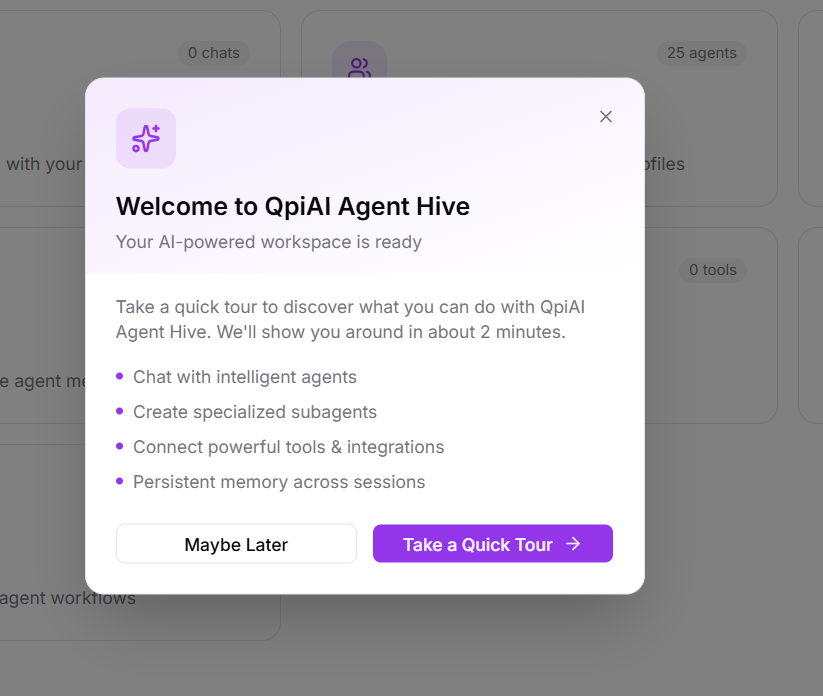
Fig 1.1
Explore the Dashboard
-
After completing the tour (or skipping it), you will be on the main dashboard
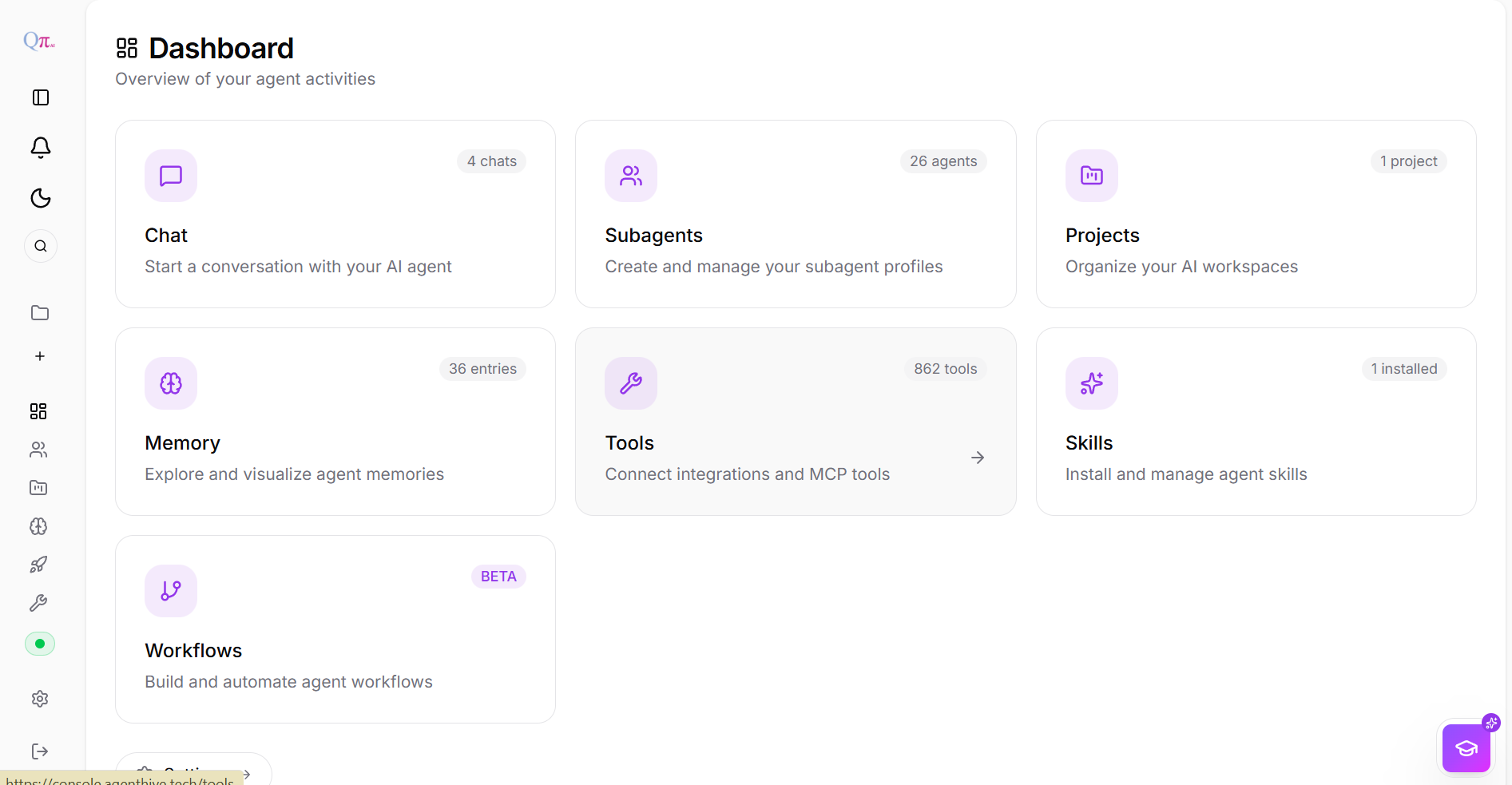
Fig 1.2 -Qpiai Agent Hive Dashboard
-
The dashboard provides an overview of key sections, including Chat,Subagents, tools, etc..
Navigating Key Features
- Use the intuitive sidebar to access services like Subagents,Projects,memory, and Deployments.
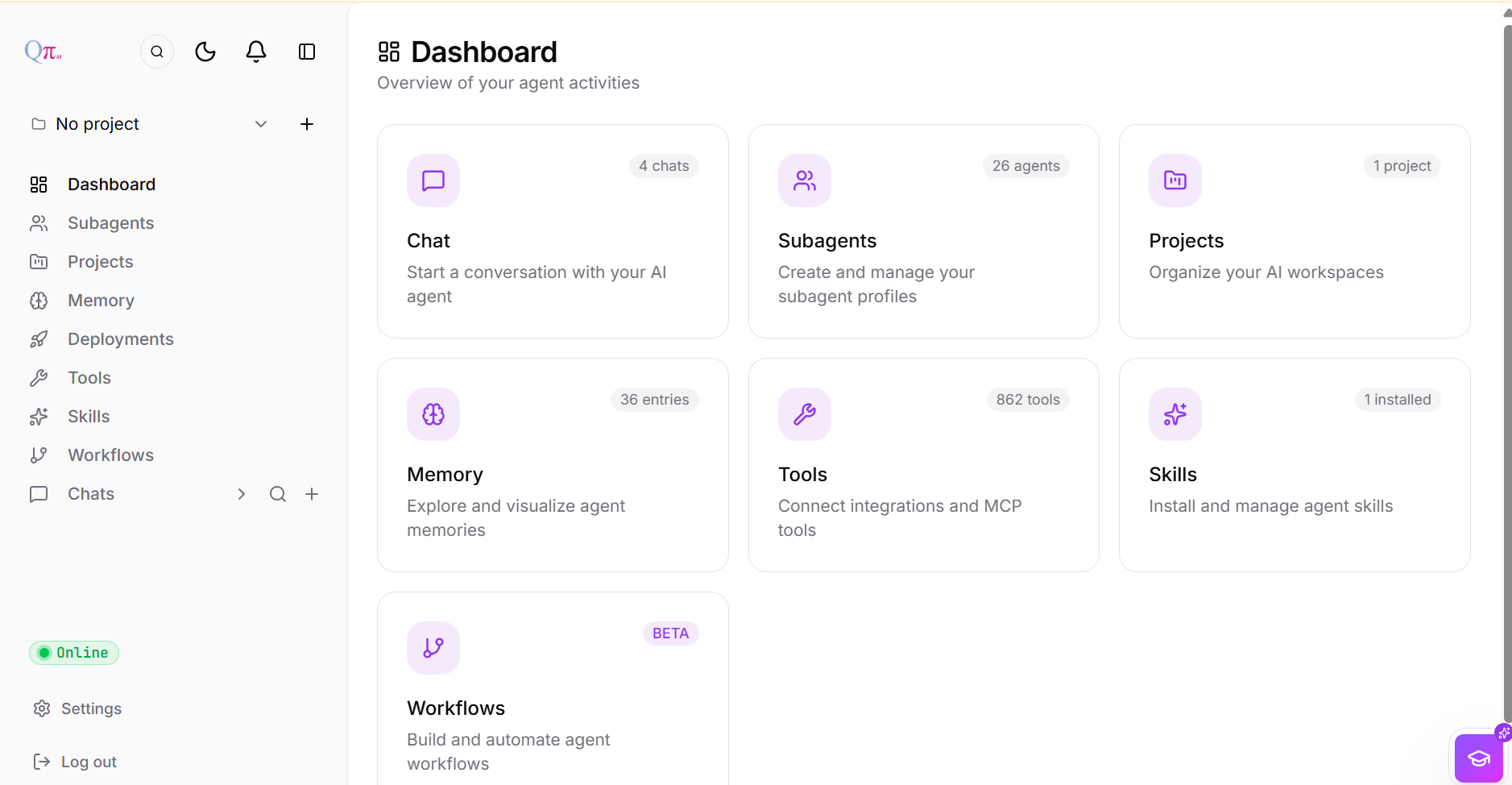
Fig 1.3
With these steps completed, you are now ready to explore and utilize the full potential of Agent Hive to automate tasks, delegate work to specialized subagents, and build intelligent workflows. Now let us take a deep dive into the various functionalities and features of the Agent Hive platform.