
Introduction to Tools
The Tools section provides a centralized hub for managing Model Context Protocol (MCP) servers and integrations that extend your agent’s capabilities beyond its built-in functionality. MCP servers act as bridges between Qpiai Agent Hive and external tools, databases, APIs, and services, enabling seamless integration with your existing tech stack.
Tools enable you to:
- Extend Capabilities: Add functionality beyond built-in agent features
- Connect External Systems: Integrate databases, APIs, and third-party services
- Leverage Existing Infrastructure: Bridge your agents with current tech stack
- Access Specialized Tools: Use domain-specific tools and utilities
- Manage Integrations: Centrally configure and control all external connections
- Enable Dynamic Discovery: Automatically detect and load available tools
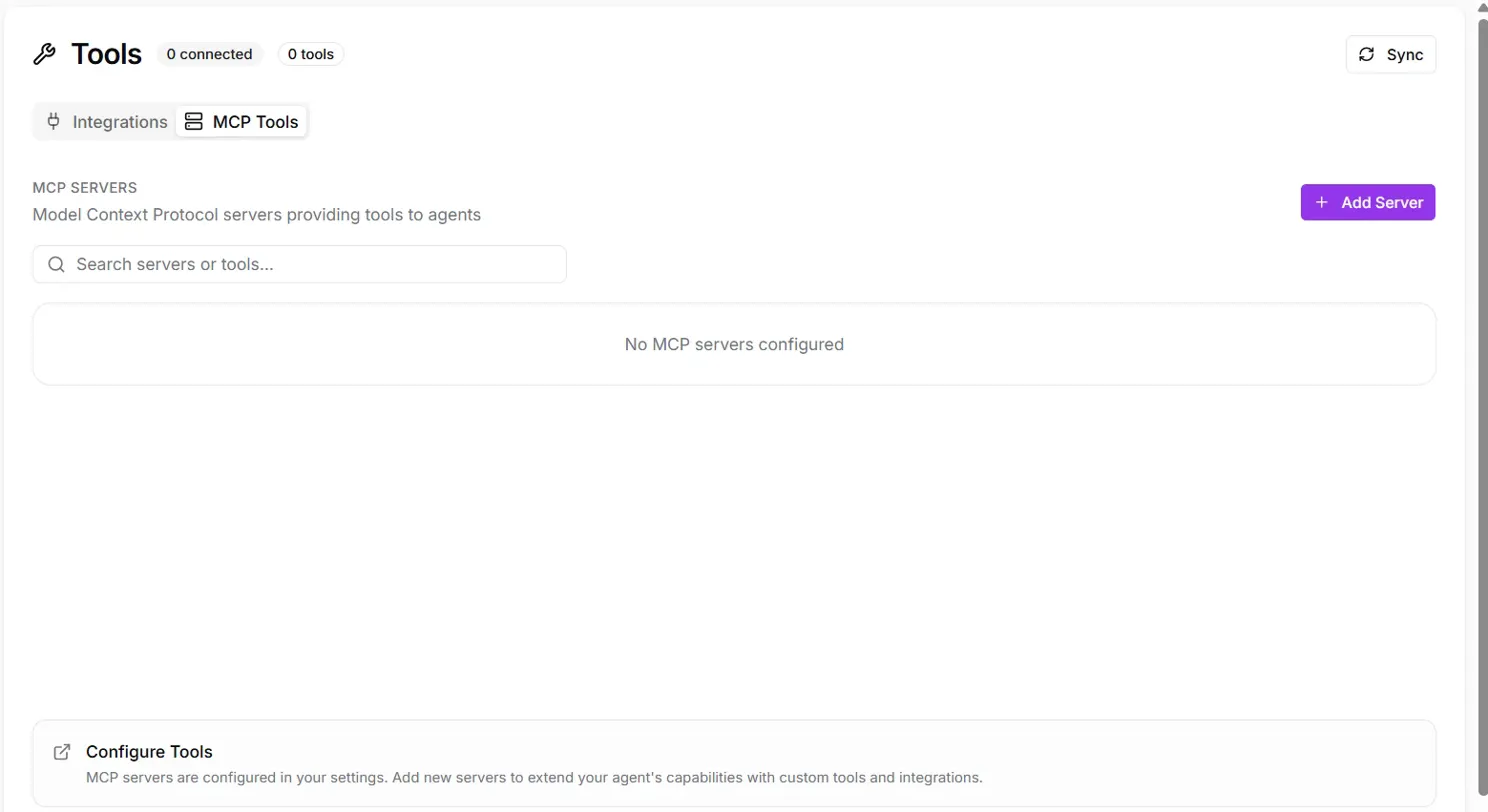
Fig 6.1 Tools
The Tools interface is organized into two main sections:
Integrations Tab
Manage general tool connections and configure various external service integrations.
MCP Tools Tab
Configure and manage protocol-specific Model Context Protocol servers for standardized tool integration.
Last updated on